Identification Systems
SICK V2D611G-MMSBE4 Sensor
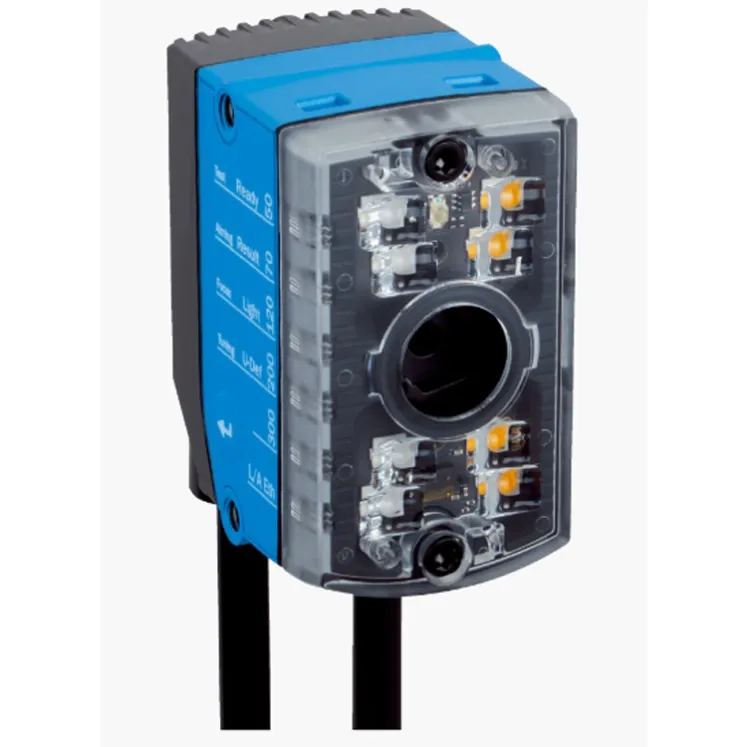
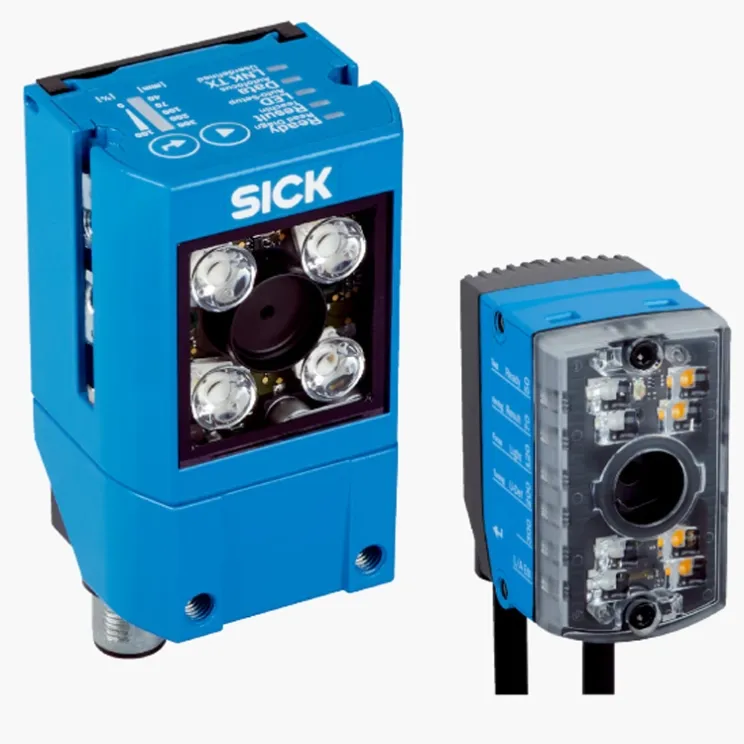
SICK V2D611G-MMSBE4 image-based code reader, part 1114539. Camera-based 1D/2D code reading with adjustable focus and integrated light.
Overview
The SICK V2D611G-MMSBE4 (part number 1114539) is an image-based code reader. Using a camera image and powerful decoding software, it reads 1D and 2D codes on products and packaging, with manually adjustable focus to match the reading distance of the application.
How It Works
The integrated camera captures an image of the code area. Integrated illumination and decoding software locate the code, correct perspective and contrast, and decode the content. The result is transferred to the control system over industrial interfaces, with signals for read success and quality.
Key Features
- Image-based reading of 1D and 2D codes
- Part number 1114539
- Manually adjustable focus for flexible mounting
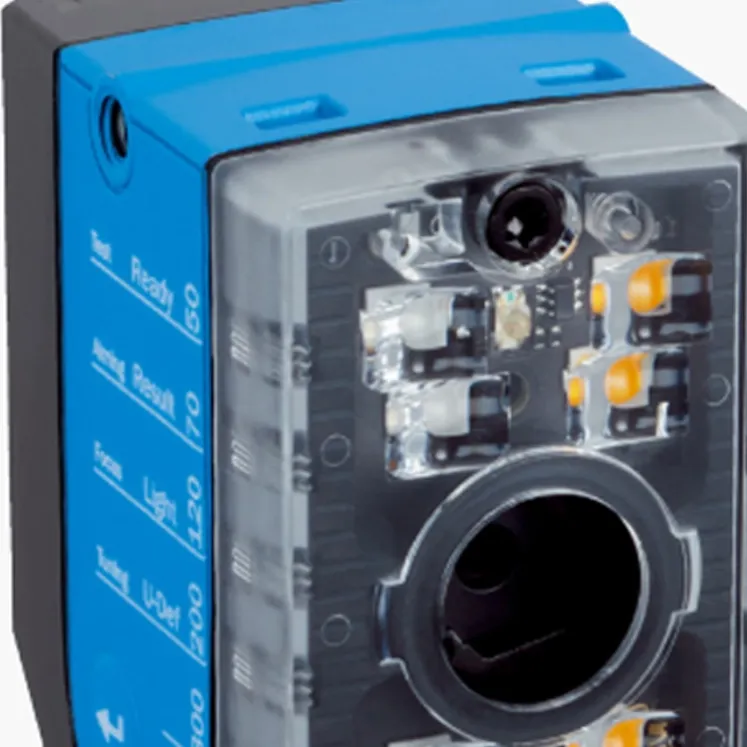
- Integrated illumination for consistent imaging
- Robust decoding of damaged and low-contrast codes
- Industrial interfaces for easy integration
Typical Applications
- Reading of DataMatrix and QR codes on products
- Traceability identification on packaging lines
- Verification of printed codes in electronics production
- Track-and-trace scanning in pharmaceutical packaging
- Component identification in assembly
Specifications
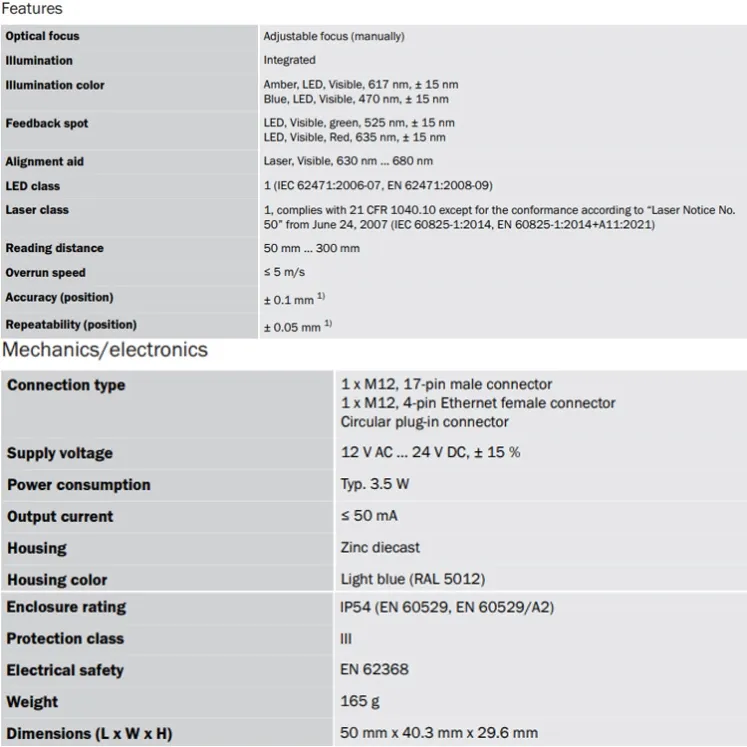
Attribute | Value |
|---|---|
Model | SICK V2D611G-MMSBE4 |
Part number | 1114539 |
Device type | Image-based code reader |
Focus | Manually adjustable |
Installation and Setup Notes
Set the focus to the actual reading distance and align the reader so codes pass centered through the field of view. Configure code types and output format with the family software, and validate read rates with production codes, including the worst print quality accepted.
Frequently Asked Questions
Which code types can it read?
Common 1D barcodes and 2D matrix codes, depending on the configuration of the device.
Does it need external lighting?
No, the integrated illumination provides consistent imaging; extreme ambient light should still be considered in setup.
How is focus adjusted?
Manually, to the application's reading distance, per the family setup guidance.