Safety Sensors
SICK nanoScan3 Sensor
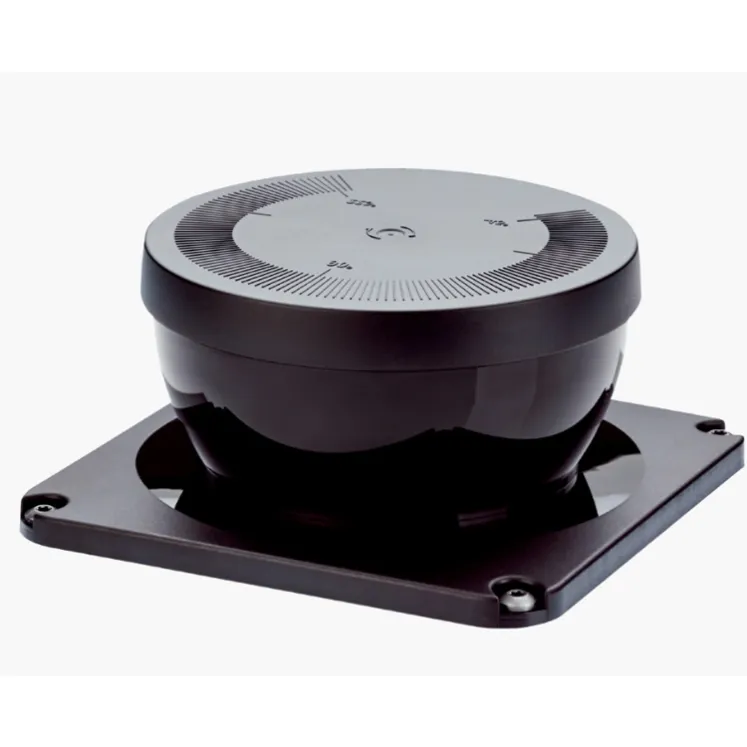
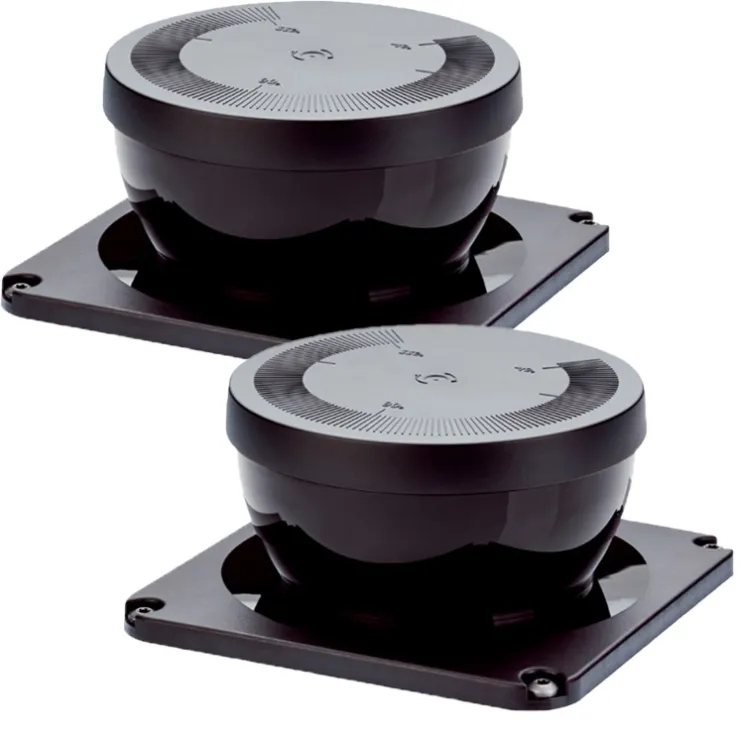
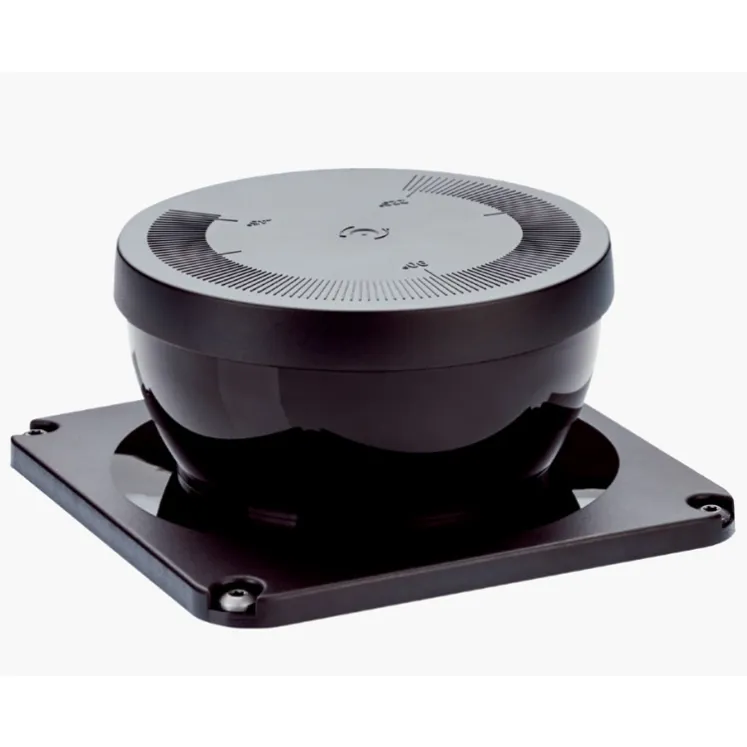
SICK nanoScan3 safety laser scanner family and optics cover accessories. Compact protective field monitoring for AGVs and machines.
Overview
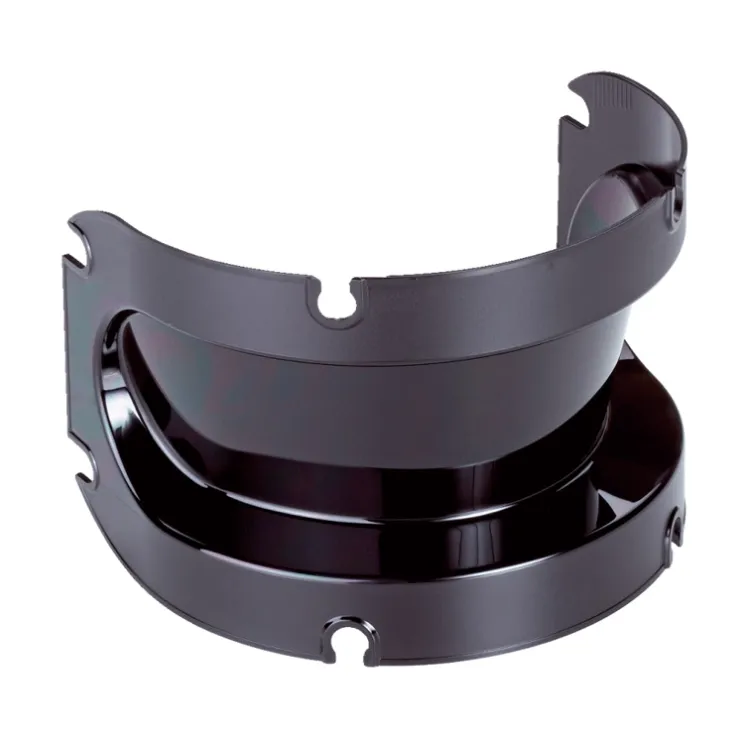
The SICK nanoScan3 is a compact safety laser scanner family for personnel protection on automated guided vehicles and stationary machines. The listings in this category cover the nanoScan3 family, including optics cover accessories for the scanner, which protects the optical window in demanding environments.
How It Works
The scanner monitors its surroundings with time-of-flight measurement and evaluates configurable protective fields internally. When a person or object enters the protective field, the safe outputs switch off. The optics cover accessory shields the scan window from dust and splashes, preserving measurement availability in harsh conditions.
Key Features
- nanoScan3 family safety laser scanner platform
- Compact design for AGV and machine integration
- Configurable protective and warning fields
- Optics cover accessory for harsh environments
- Reliable contamination management
- Integration with mobile machine safety concepts
Typical Applications
- Personnel protection on automated guided vehicles
- Hazardous area protection on compact machines
- Field monitoring on mobile robots
- Access protection on tight production layouts
- Scanner window protection in dusty or splashing environments
Specifications
Attribute | Value |
|---|---|
Family | SICK nanoScan3 safety laser scanner |
Listing type | Scanner family product / optics cover accessory |
Installation and Setup Notes
Install the scanner per the vehicle or machine field plan and configure fields with the family software. When an optics cover is used, verify that it is approved for the protective field range in use and inspect it during maintenance intervals. Clean or replace the cover when contamination warnings appear.
Frequently Asked Questions
What is the optics cover used for?
It protects the scanner's optical window from dust, swarf and splashes, extending cleaning intervals in harsh environments.
Does the cover affect the protective field?
Approved covers are designed for use with the scanner; verify the permitted field range with the cover installed.
Which vehicles use nanoScan3?
It is widely used on AGVs, mobile robots and compact machinery requiring space-saving safety scanning.